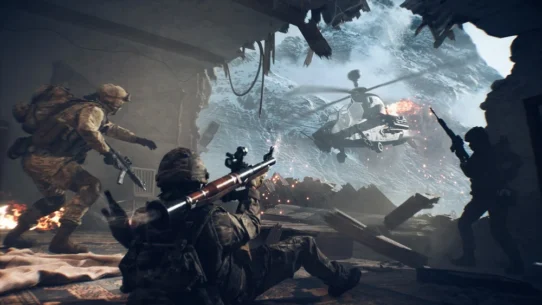



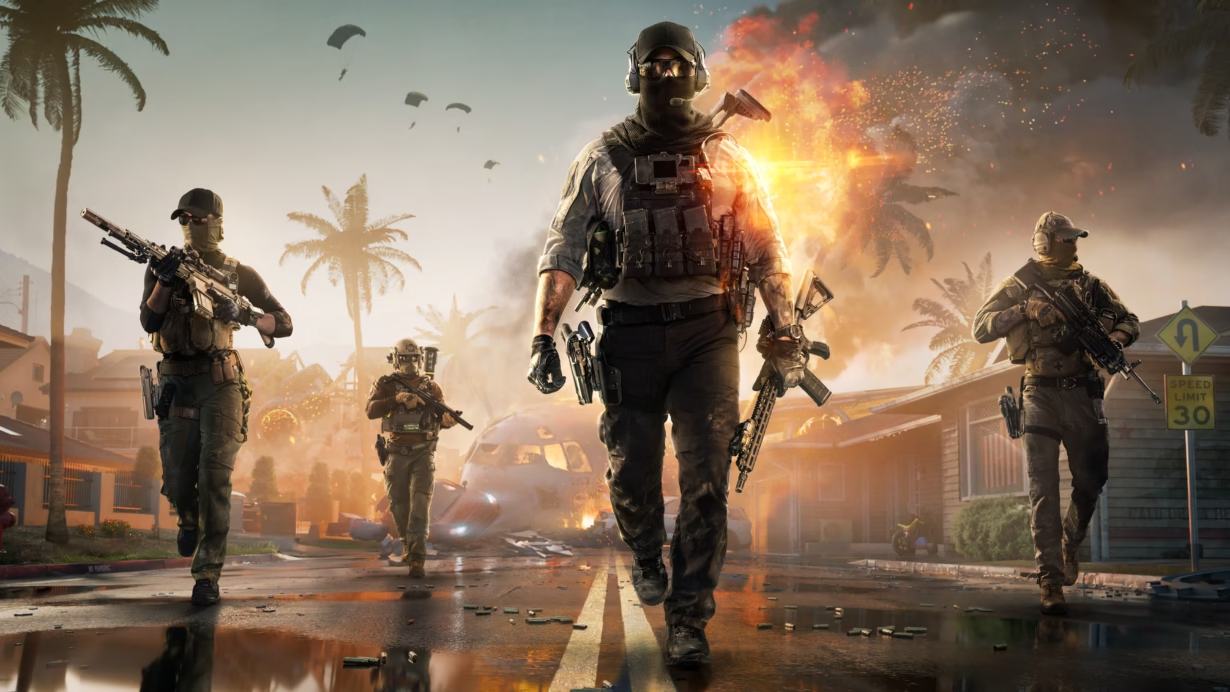
For every Battlefield fan out there, the wait is finally over. Battlefield Redsec is now available, launching alongside the first season of Battlefield 6, and it brings a fresh battlefield experience with a completely free-to-play system. You can jump into Redsec as part of the Battlefield 6 experience, or you can play it as a standalone game — and that’s where some players get confused, especially newcomers to the series.
Don’t worry. This guide breaks down the easiest way to start playing Battlefield Redsec, whether you own Battlefield 6 or not.
How to Play Battlefield Redsec If You Already Own Battlefield 6
If you own Battlefield 6, you’re only a few steps away from entering the new Redsec arena:
- Make sure your game is fully updated to the latest version.
- Launch Battlefield 6 on your device.
- From the main menu, select Redsec — located next to Campaign and Multiplayer.
- Start the mode and jump straight into action.
Note: The update is fairly large — around 21GB on Xbox Series X|S — so give your console enough time to download it.
How to Play Battlefield Redsec If You Don’t Own Battlefield 6
No Battlefield 6? No problem.
You can still enjoy Redsec completely free by downloading the standalone version from:
- Steam
- Epic Games Store
- Xbox
- PlayStation
Just download the standalone version, install it, and you’re ready to enter the battlefield.
A Helpful Note for New Players
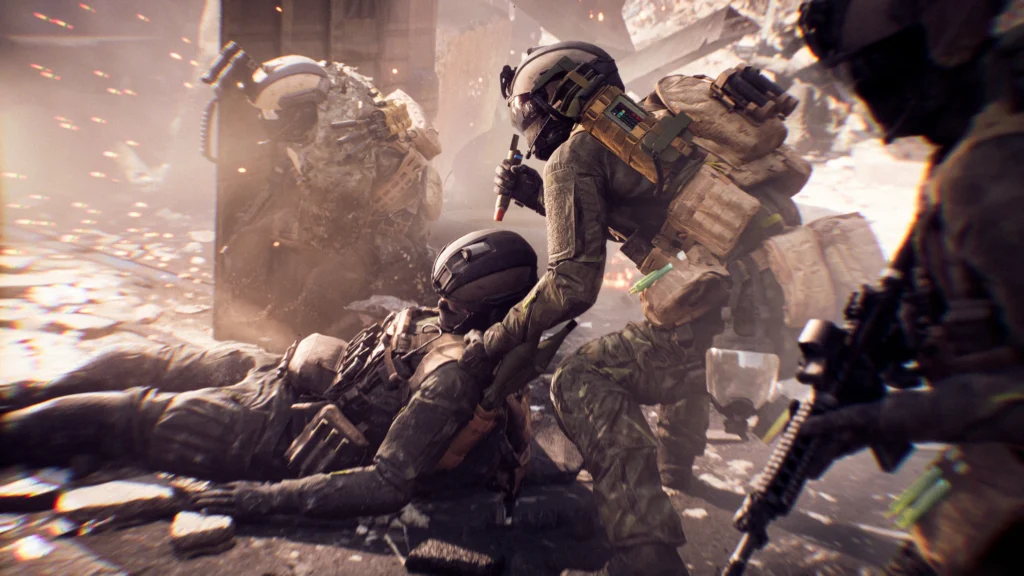
Some players may face small limitations when starting Redsec
Players starting on a brand-new account — especially those who haven’t played Battlefield 6 before — may notice a few missing attachments or customization options early on. This is normal. Many modern shooters use account-based syncing systems, similar to how the epic games login framework handles player data and progression across platforms. The good news is that Redsec is extremely beginner-friendly, and you’ll quickly unlock weapons, attachments, and soldier upgrades as you play.
How to Download Battlefield Redsec on All Major Platforms
Whether you’re on Xbox, PlayStation, or PC, downloading Redsec is straightforward. Here’s how to do it:
Xbox Series X|S
- Open Microsoft Store.
- Search for Battlefield Redsec.
- Select Install.
- Launch it from your game library.
Make sure you have at least 20GB of storage available.
PlayStation 5
- Open PlayStation Store.
- Search for Battlefield Redsec.
- Choose Download.
- Launch it from your PS5 library.
Make sure your system software is up to date.
Steam (PC)
- Open Steam.
- Search for Battlefield Redsec.
- Select Play Game or Install.
- Choose your installation folder.
A free Steam account is required.
Epic Games Store (PC)
- Open the Epic Games Launcher.
- Search for Battlefield Redsec.
- Click Get, then Install.
- Launch the game from your Epic library.
Make sure you’re logged into your Epic account before downloading.
How to Link Battlefield 6 With Redsec to Keep Your Weapons and Attachments
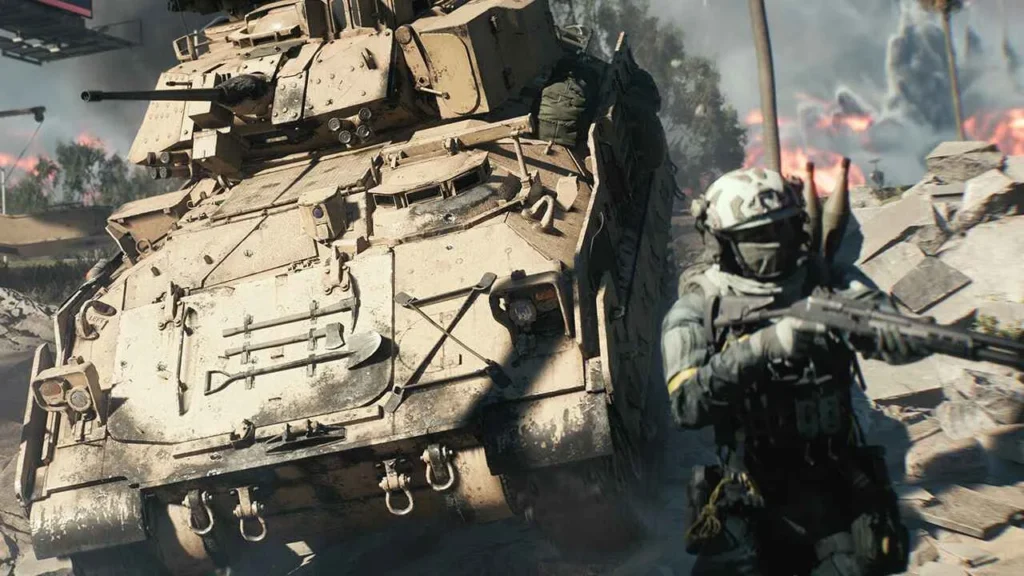
If you’ve spent time unlocking weapons, attachments, cosmetics, and soldier upgrades in Battlefield 6, you’ll definitely want them available in Redsec. Linking your account ensures everything transfers properly.
Why Link Your Account?
Linking your Battlefield 6 account to Redsec gives you:
- Instant access to your previously unlocked weapons
- All scopes, grips, and attachments
- Your soldier’s cosmetics and appearance
- A smoother start without rebuilding progress
If You’re Playing Redsec From Inside Battlefield 6
- Update Battlefield 6 to the latest version.
- Launch the game and select Redsec.
- Your progress syncs automatically — no extra steps needed.
If You’re Using the Standalone Version of Redsec
- Launch Redsec for the first time.
- A login or account-link screen will appear.
- Sign in with the same EA, Xbox, or PlayStation account you use for Battlefield 6.
- Redsec will sync everything automatically.
Important: Always use the same account you used in Battlefield 6 — otherwise, your items won’t transfer.
Ready to Experience Battlefield’s New Battle Royale Style?
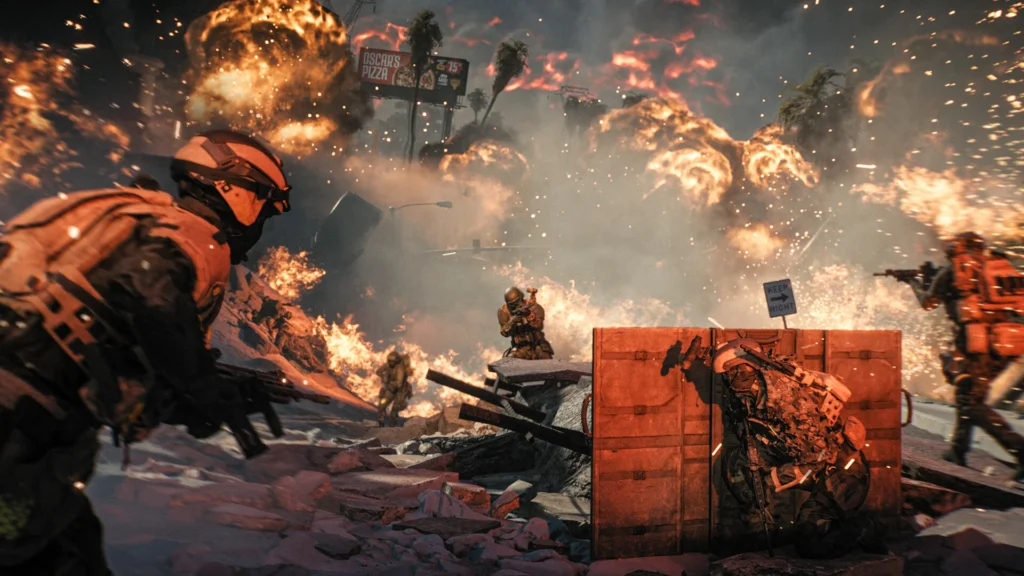
Redsec isn’t just another game mode — it’s a fully-fledged battlefield built to test your aim, positioning, strategy, and survival instincts. Whether you’re jumping in from Battlefield 6 or trying the free standalone version, the action is waiting for you.
Gear up, drop in, and carve your name into the ranks of the elite in Battlefield Redsec.